



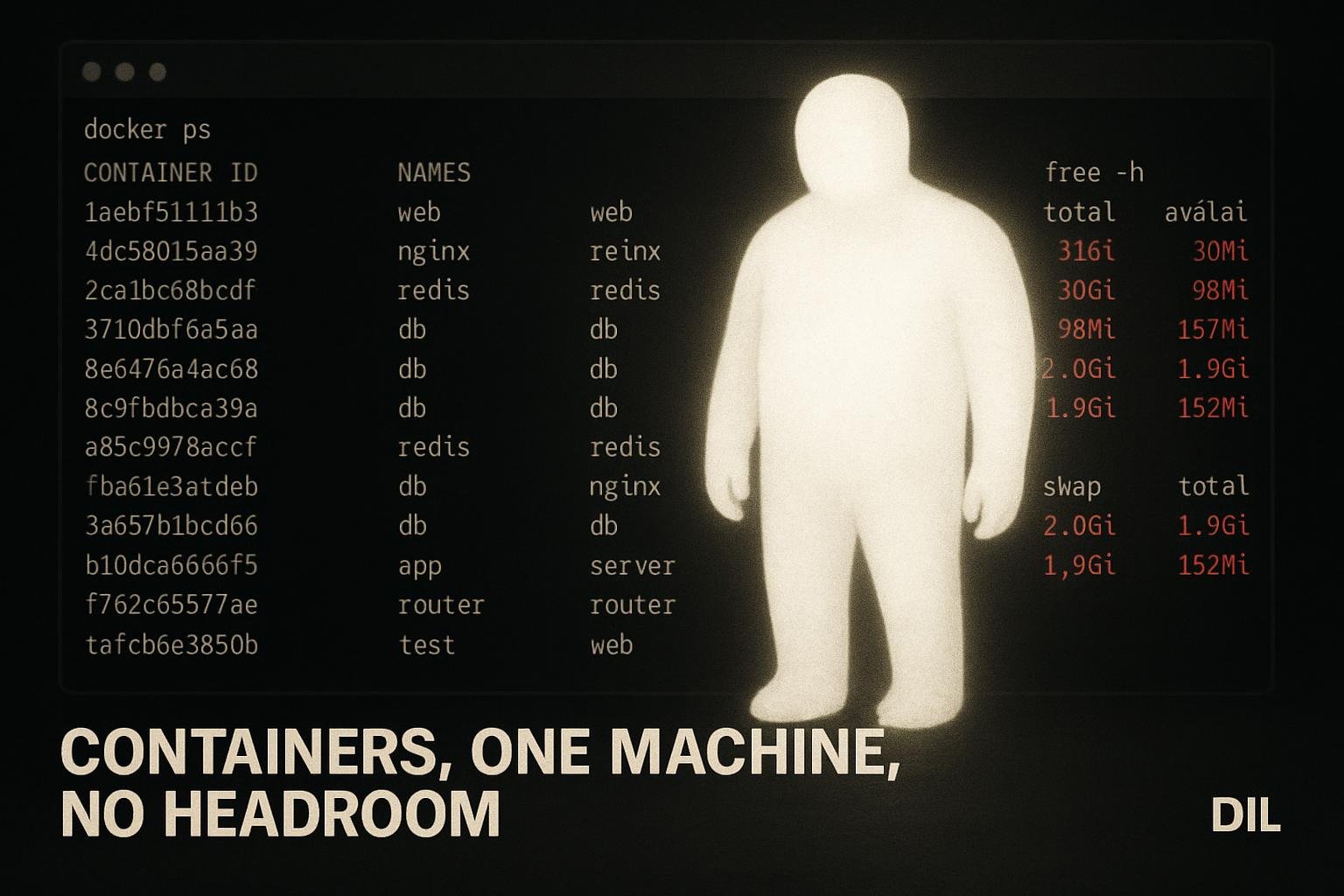
Running six local Supabase stacks at the same time produced 61 Docker containers, pushed swap to 96 percent, and caused a repeated OOM failure every time supabase db reset was attempted. The failure looked like a database or migration problem. It was not. It was the machine running out of memory, and the only fix was to treat that as the actual problem.
How You End Up With 61 Containers
It happens gradually. You start a project, spin up a local Supabase stack, and leave it running while you open another project. Repeat that across a few weeks of context-switching and you end up with stacks that you forgot are still alive.
- Each stack is a full suite of services. Database, auth, storage, realtime, the API gateway, and a handful of supporting containers.
- Six stacks, 61 containers. That is the recorded number from this situation. Not a rough estimate.
- Nothing warns you. Docker happily runs all of them until the machine cannot cope.
The containers themselves are not the bug. The bug is not noticing they are all running.
What 96% Swap Actually Means
Swap at 96 percent means the machine has almost entirely exhausted physical RAM and is now using disk as overflow memory. Disk is orders of magnitude slower than RAM.
- Every memory allocation becomes expensive. The OS is constantly moving pages between RAM and disk.
- Spiky operations get killed. The kernel's OOM killer looks for processes to terminate when a new allocation cannot be satisfied.
supabase db resetis a spiky operation. - Other apps on the machine make it worse. A browser, an editor, a build process: all of them are competing for the same shrinking pool.
The 96 percent figure here was recorded while other applications were also running. That is a realistic dev machine state, not an edge case.
Why db Reset Was the Thing That Broke
supabase db reset is not a gentle operation. It stops the database container, wipes the volume, recreates the container, and then runs every migration in sequence.
- Container teardown and recreation spikes memory demand. Docker needs headroom to pull images into memory, start new processes, and initialise the database engine.
- The spike arrives at the worst possible moment. Swap is already at 96 percent. There is no headroom.
- The OOM killer fires. The reset process is terminated mid-run. The error looks like a database failure.
The migration SQL was almost certainly fine. The machine just could not execute the reset.
The Diagnostic Mistake to Avoid
When supabase db reset fails, the instinct is to look at the migration files. You check for syntax errors, look for a bad foreign key, wonder if a previous partial run left the schema in a broken state.
- That instinct is wrong here. The schema is not the problem.
- The error message may not help. OOM failures can surface as connection errors, timeout errors, or generic process exits depending on exactly what the kernel killed.
- You can waste a lot of time on the wrong layer. Editing migrations, rolling back changes, adding debug logging: none of it helps when the machine is exhausted.
The check that would have saved time: run docker ps | wc -l and free -h before touching any migration files.
Surfacing Exhaustion as a Blocking State
The recorded lesson from this situation is specific: infrastructure exhaustion is a blocking state to surface, not something to silently work around.
That distinction matters.
- Silently working around it looks like retrying the reset, restarting individual containers, or editing files in the hope that a different input produces a different result.
- Surfacing it looks like stopping, measuring, and declaring that the machine cannot proceed until resource pressure is resolved.
The second approach is slower in the moment and faster overall. Retrying a reset on a machine at 96 percent swap just produces the same failure again.
The Practical Check Before Any Reset
Before running supabase db reset on a machine that has been running for a while:
- Count your containers.
docker psshows what is actually running. If you see stacks for projects you are not working on today, stop them. - Check swap.
free -hon Linux. Activity Monitor on macOS. If swap is above 80 percent, stop containers before doing anything else. - Check Docker Desktop limits. On macOS and Windows, Docker runs inside a VM with a memory ceiling. That ceiling can be lower than the host machine's actual RAM, which makes the problem hit earlier than you expect.
- Only retry after the machine has headroom. Not before.
None of this is complicated. It is just easy to skip when you are in the middle of debugging something and assume the environment is fine.
Infrastructure Failures Look Like Code Failures
This is the broader pattern. When a tool fails, the first assumption is usually that the tool was used incorrectly, or that the code passed to it is wrong. That assumption is often right. But when the machine is under severe resource pressure, it is wrong.
- OOM failures are environment failures. The code did not cause them. Fixing the code will not resolve them.
- The environment needs to be stable before debugging the application. Running six stacks simultaneously is not a stable environment for any one of them.
- This applies beyond Supabase. Any memory-intensive local service, any container-heavy workflow, any machine also running a browser and an editor: the same dynamic applies.
The 61-container, 96-percent-swap situation is an extreme version of something that happens at smaller scales all the time.
What I'd do differently
- Stop stacks at the end of a session.
supabase stoptakes seconds. Leaving stacks running overnight across multiple projects is how you arrive at 61 containers without noticing. - Add a container count check to the start of any debugging session. Not a script, just a habit.
docker psbefore touching anything. - Treat the first OOM failure as a signal to measure, not retry. One failed reset is information. Retrying three times on an exhausted machine is just noise.
- Set Docker Desktop memory limits explicitly. Rather than letting it compete freely with the rest of the machine, give it a ceiling that leaves room for the editor and browser you are definitely also running.