



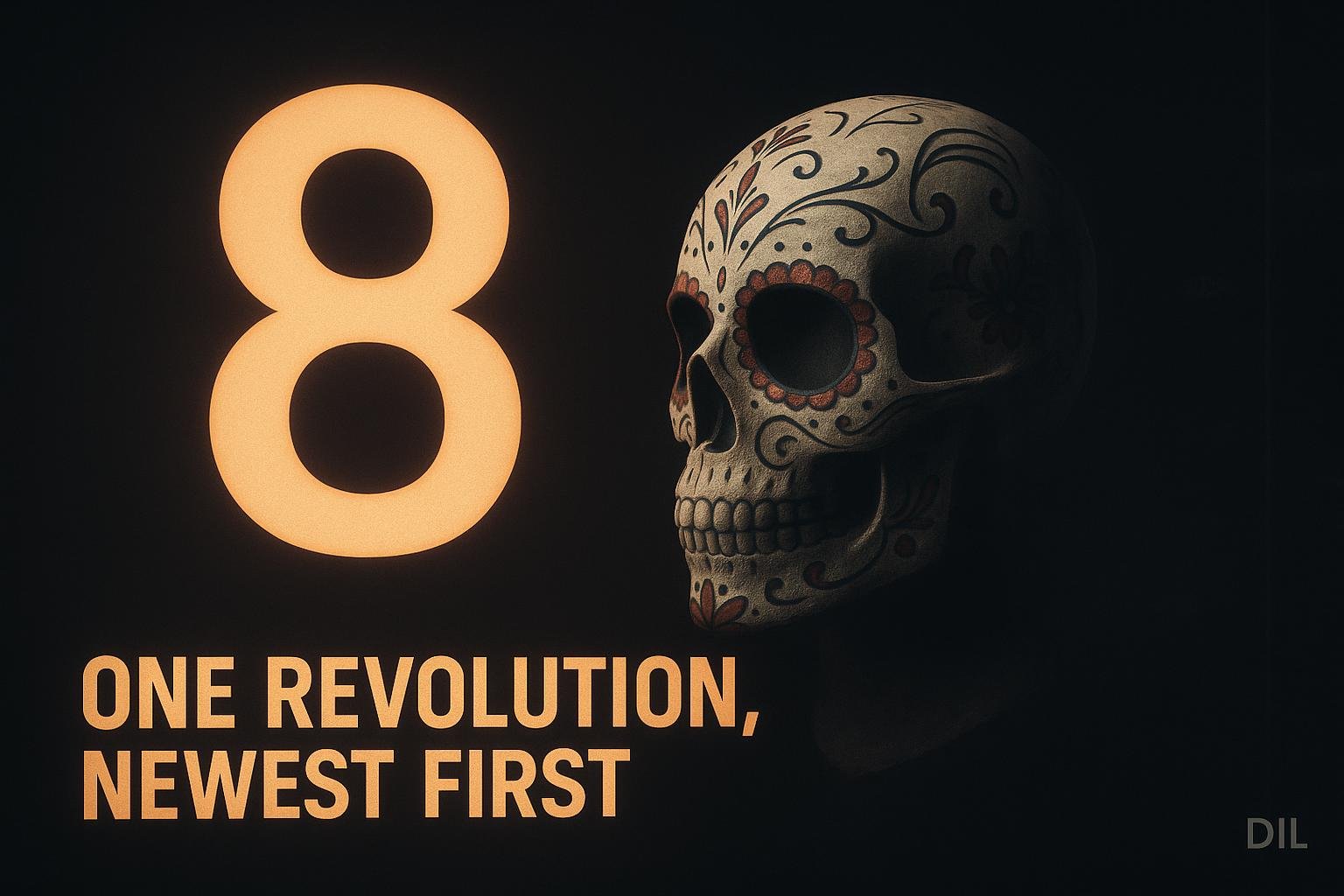
The home page is the skull lab. A Tripo sugar-skull bust sits centre stage, rendered by three.js, and turns through exactly one full revolution as you scroll past eight project stops ordered newest first. That is the whole mechanic. No time-based animation, no autoplay, no pose snapping between sections.
What the Page Actually Does
The skull lives at site/public/hero/skull.glb and is rendered by site/src/lab/skull-stage.js. Scroll position drives rotation directly through a pure timeline in site/src/lab/timeline.js. Lenis sits between the wheel event and the timeline, smoothing the input so the rotation feels analogue.
- Eight stops are defined in
site/src/lab/stops.js, ordered newest first. - One full revolution is distributed evenly across those eight stops.
- A year rail on the right of the viewport lists the stops as you move through them.
Career history, organisation logos and a contact link sit below the sequence, outside the scroll-driven zone.
Why Newest First
Ordering newest first means the most relevant work is at the top of the page. A visitor who scrolls a little sees the current project. A visitor who scrolls all the way gets the full history. The skull completing a full revolution is a side effect of that ordering, not the reason for it.
The Timeline Is Pure
timeline.js takes a normalised scroll value between 0 and 1 and returns a rotation in radians. Nothing else. No spring physics, no velocity, no easing baked in. Lenis handles the feel; the timeline handles the maths. Keeping them separate means you can test the timeline in isolation and swap the scroll library without touching the rotation logic.
What Got Cut and Why
The original design had per-sense poses and region glow on the skull. Both were removed before the page went live.
- Per-sense poses were cut on 24 September 2026. When scrubbed with a scroll wheel, the pose changes between stops read as jerky. A continuous rotation with no discontinuities is smoother than a rotation that also has to snap a rig pose at each stop.
- Region glow went with the poses. Without the pose changes, the glow had nothing to anchor to.
- Sense labels in the hero were removed on 25 September 2026, the day after the poses went. The labels referenced the sense system that the poses were expressing; once the poses were gone, the labels were orphaned.
The result is simpler than the spec. That is fine. The skull turning is enough.
How Titles Come In
Each project title condenses in character by character. The animation uses opacity and blur only, no transform. It is scrubbed to scroll position, not played on a timer. Scrubbing means the title is always in the correct state for the current scroll position, even if the user scrolls back up.
- No tween library needed. The character opacity and blur values are computed from the same normalised scroll value the timeline uses.
- Reversible by default. Scroll back up and the title dissolves out the same way it came in.
The Mesh Orientation Problem
Tripo meshes face +X when they come out of the generator. The scene rotates them to face +Z before any scroll-driven rotation is applied. This matters because the scroll mapping assumes the skull faces the camera at zero scroll. If you forget the +X to +Z correction and apply scroll rotation on top of the raw mesh orientation, the skull starts sideways.
The correction is a one-time rotation on the object, not baked into the GLB. That keeps the file clean and means you can regenerate the mesh without having to re-export with a corrected orientation.
Regenerating the Mesh
Regenerate only from the bone plate. Run site/scripts/hero/optimise-glb.sh after every regeneration. Skipping the optimise step produces a file that is much larger than it needs to be. The 3D face mesh optimisation note covers what that script actually does to the geometry and why the bone plate is the right source.
The spec for the whole page lives at docs/superpowers/specs/2026-09-23-skull-lab-design.md. The page was promoted from /lab to the home page and verified in AGENTS.md on 24 and 25 September 2026.
What I'd do differently
- Spec the pose removal earlier. The per-sense poses were in the design doc and built before anyone scrolled through them with a real wheel. A quick prototype with placeholder pose snaps would have shown the jerkiness before any rig work was done.
- Name the timeline inputs explicitly.
timeline.jstakes a value between 0 and 1, but nothing in the file enforces that or documents what happens at the boundaries. A small guard and a comment would save the next person ten minutes. - Keep the year rail in the spec from the start. It appeared during implementation as an obvious navigation aid. It should have been in
skull-lab-design.mdfrom day one so the layout was designed around it rather than retrofitted.