



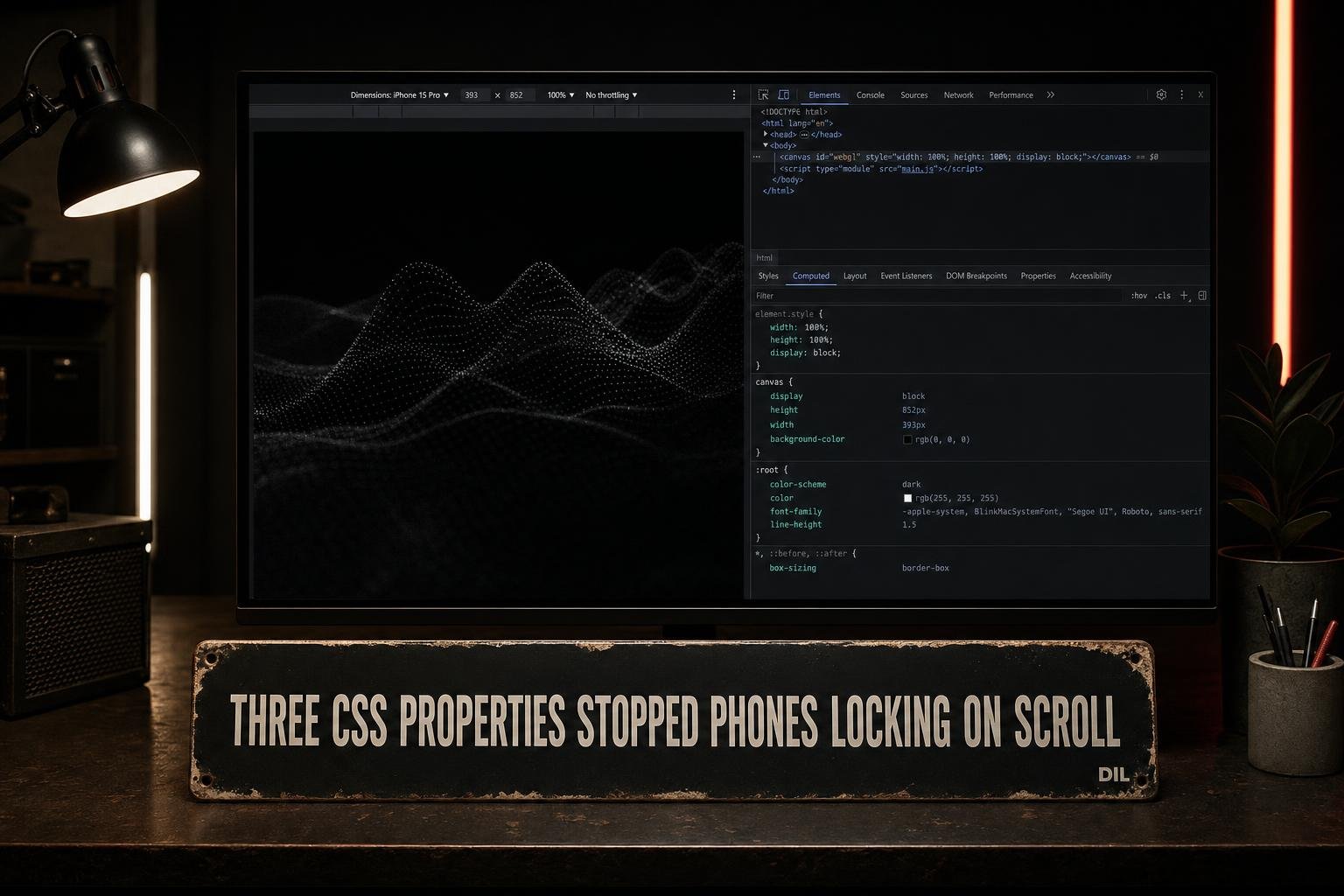
PixiJS defaults to touch-action: none on every canvas it creates. On a desktop that is invisible. On a phone, it means any swipe that starts on the canvas never reaches the browser scroll handler. The page locks. The user tries again, harder, and nothing happens. On a luxury events site where full-width WebGL images sit in the scroll flow, that is a serious problem.
The fix is three lines of JavaScript and a Playwright audit to make sure it stays fixed.
What PixiJS Does by Default
PixiJS runs its own pointer and touch event system. To make that work consistently across devices, it sets touch-action: none on the canvas element at initialisation. This stops the browser from acting on touch input before PixiJS sees it.
That is a reasonable default when the canvas is interactive. It is the wrong default when the canvas is purely decorative, which is the case for most WebGL image effects on a marketing site.
The browser sees a touch start on the canvas, checks touch-action: none, and hands the event to PixiJS. PixiJS has no listeners registered for it. The event goes nowhere. The page does not scroll.
The Three Properties That Fix It
In js/main.js, after the PixiJS app is initialised, three properties override the defaults:
app.canvas.style.touchAction = 'auto'tells the browser to handle touch gestures normally, including scroll.app.canvas.style.pointerEvents = 'none'removes the canvas from the event path entirely. Taps and swipes pass through to whatever is underneath.app.stage.eventMode = 'none'disables PixiJS's own interaction processing on the stage and all its children.
Together these three turn the canvas into a visual layer only. The browser never has to negotiate with it over who owns a touch event.
Setting just touchAction is enough to restore scroll. Adding pointerEvents: none and eventMode: none is the right call for a display-only canvas because it removes any ambiguity about who handles input, and it is honest about what the canvas is for.
The Hover Problem on the Same Commit
While fixing the canvas, the same commit addressed a related phone issue. Several buttons on the site had :hover styles that changed their background colour. On iOS, a tap fires a synthetic hover event to make mouse-designed sites work on touch. The button turns white (or whatever the hover colour is) and stays that way until the user taps somewhere else.
The fix is a media query:
@media (hover: hover) {
  .button:hover {
    background: white;
  }
}hover: hover matches only devices where the primary input can hover, meaning a mouse or trackpad. On a touchscreen, the rule does not apply. The button responds to taps without getting stuck.
This is not a workaround. It is the correct way to write hover styles for a site that runs on both device types. The previous approach of writing :hover at the top level was always wrong, just not visibly wrong until someone tested on an actual phone.
The Playwright Audit
The fix is easy to undo accidentally. A future dependency update could reinstate PixiJS defaults. A new canvas added without the three properties would regress immediately.
The audit in scripts/reveal-audit.cjs opens the page using Playwright's iPhone 13 device descriptor. After the page loads, it queries every canvas element and reads two computed style values: touchAction and pointerEvents. If any canvas has a blocking value, the audit records a failure.
The key checks:
touchActionmust not benone. The audit expectsauto.pointerEventsmust benonefor display-only canvases.
Running this in CI means a regression shows up as a build failure rather than a support message from a user who cannot scroll the gallery on their phone.
The audit also catches canvases added by third-party scripts, which is useful. If a new embed drops a canvas with default PixiJS settings, the audit fails on the next run.
Why This Is Easy to Miss in Development
Most developers test on a desktop browser. Chrome DevTools device emulation does not fully replicate touch event handling. The canvas looks fine, scroll works in the emulator, and the bug ships.
The only reliable way to catch touch-action: none blocking scroll is to test on a real phone or use a browser automation tool that emulates the actual touch event model. Playwright's device descriptors do this. The iPhone 13 profile sets the correct viewport, pixel ratio and touch capabilities.
The loader asset wait was also capped at 2.5 seconds in the same commit, which is relevant to the audit. Without a cap, the audit could time out waiting for assets before it ever checks the canvas properties.
What I'd do differently
Set touchAction, pointerEvents and eventMode in a wrapper function that gets called every time a new PixiJS app is created, not inline at the call site. Right now the three lines live in js/main.js next to the app initialisation. If a second canvas gets added later, whoever writes that code needs to know to repeat the pattern.
A factory function or a small utility that returns a configured app would make the correct behaviour the default for this project, rather than something you have to remember.
The Playwright audit is the right safety net regardless. But defence in depth means making the pit of success as wide as possible before the audit has to catch anything.