



The key insight from building this provisioning flow is simple: the order in which you persist state matters more than the order in which you make API calls. Get that wrong and a retry creates duplicate resources. Get it right and the whole flow becomes safely resumable from any failure point.
What the Command Actually Does
line create runs six ordered steps for each new AI phone receptionist line.
- Buy the number. Acquires the phone number from the carrier.
- Write the client file. Creates
clients/<slug>.jsonwith everything the subsequent steps need. - Set up the sheet. Provisions the associated data sheet for the line.
- Provision the assistant. Creates the VAPI assistant and persists its ID.
- Archive folder and plan or apply. Creates the archive folder and applies the line plan.
- Brand registration. Registers the brand for the line.
Each step reads clients/<slug>.json before doing anything. If the file already proves the step is done, the step is skipped. That is the entire resumability mechanism. There is no separate resume flag or checkpoint store: the client file is the checkpoint.
Steps are also mirrored to the bbl-ops lines table, so the ops view stays consistent with what the file says.
The Ordering Fix That Matters
Before the fix, the sequence inside the provision step was:
- Create the VAPI assistant.
- Create the SIP number.
- Write both IDs to the client file.
If the SIP call failed, the client file had neither ID. A re-run would create a second assistant, then try the SIP call again. You would end up with two assistants and one SIP number, and no clean way to know which assistant was intended.
The fix is to write the assistant ID to the client file immediately after the assistant is created, before the SIP call is attempted. The field is stored as vapi.sipPending to signal that the SIP step has not completed yet. On a re-run, the command sees the assistant ID already present, skips the assistant create, and only retries the SIP number. One assistant, one SIP number, regardless of how many times you re-run.
This is the same principle that applies to any multi-step API flow: persist what you have before you ask for what you need next.
Two Provider Limits Found Live on 15 October
Both of these were discovered by hitting the API and reading the refusal, not from documentation.
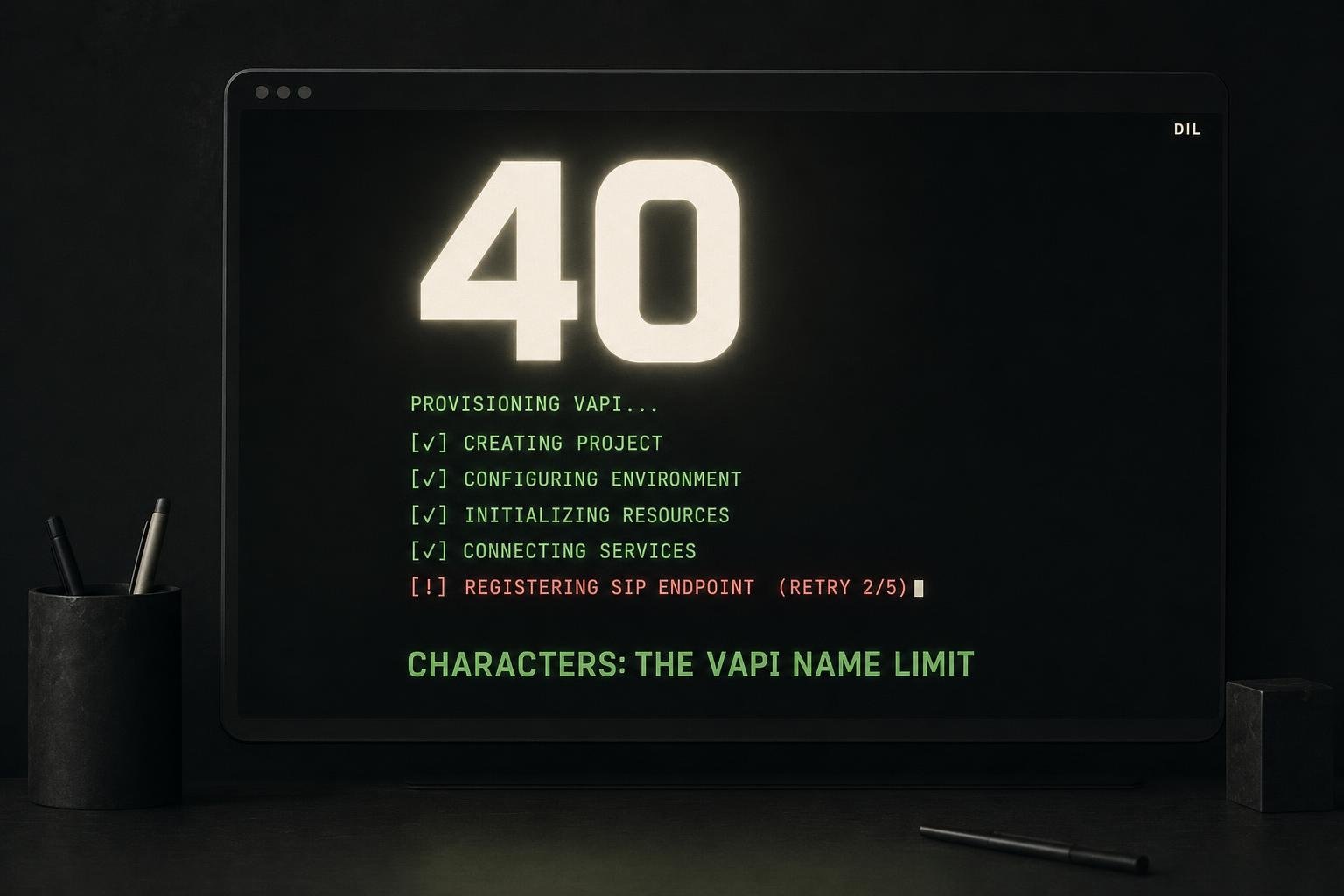
Assistant name length. VAPI refused a 45-character assistant name. The limit is 40 characters. The fallback order is now:
- Try the full configured name.
- If over 40 characters, try the short name.
- If the short name is still over 40 characters, cut to 40.
This means the name in VAPI may not match the name in the client file exactly, but it will always be accepted.
SIP username length. VAPI refused a SIP username shorter than 8 characters. The command now validates the length before making the API call, so the error surfaces with a clear message rather than a raw API refusal mid-run.
Both limits are now enforced client-side before any network call, so they fail fast with a readable error rather than partway through a provisioning sequence.
Store Outage on Resume
There is a third failure mode worth knowing about. If the store is unavailable when the command tries to read the resume state, earlier versions would hard-stop. The current behaviour is to log a warning and continue. A subsequent re-run reads the state correctly once the store is back, and finishes any remaining steps.
This matters in practice because a transient outage during a resume read should not require manual intervention. The client file is the source of truth: as long as that is intact, the run can always be recovered.
Non-Interactive Runs
--json without --yes refuses rather than prompts. This is deliberate. A provisioning job running in a console or through the bbl-ops MCP server should never hang on an unexpected confirmation. If the command needs a decision it cannot make automatically, it should fail loudly so a human can look at it, not wait silently for input that will never come.
Two lines were created on 15 October using this flow: one through the bbl-ops MCP server and one through a console job. Both completed without manual intervention after the fixes were in place.
How This Connects to Broader Agent Reliability
The pattern here is not specific to phone line provisioning. Any agent or automation that calls multiple external APIs in sequence needs the same discipline: write state before you make the next call, not after both calls succeed. The idle watchdog and thinking model timeouts note covers a related failure mode where an agent loop stalls mid-execution. The resumability fix here is the provisioning equivalent: make re-entry safe so a stall is recoverable.
If you are building something similar, the client file approach is worth considering over a dedicated checkpoint store. It is readable, diffable, and already exists for other reasons. The cost is that you need to be disciplined about what you write to it and when.
What I'd do differently
- Validate provider limits before the first real run, not after. Both the name length and the SIP username minimum were found by hitting the API. A short validation step at the start of
line createthat checks these constraints against the config would surface them before any resources are created. - Make
vapi.sipPendingmore explicit in the client file schema. Right now it is a field name that implies meaning. A separateprovisioningStateobject with named stages would make the resume logic easier to read and easier to extend when new steps are added. - Log the skipped steps explicitly. When a re-run skips a step because the client file proves it is done, that should appear in the output. Silent skips make it harder to confirm that a resume went the way you expected.