



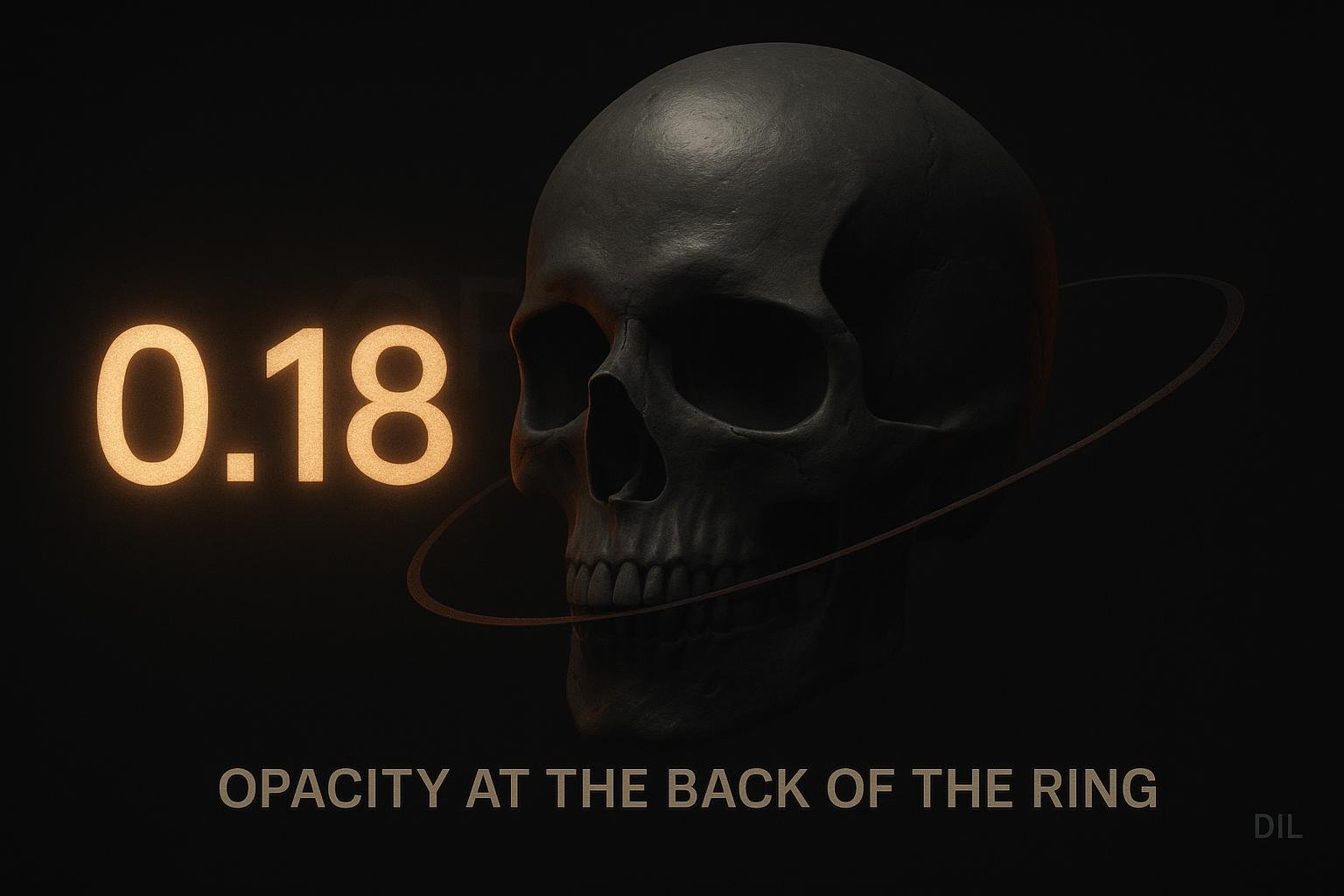
The three labels that circle the skull sit on a tilted ring in Three.js space. As each label rotates behind the head it dims to near-invisible, then brightens again as it swings back to the front. Everything else on the page follows a strict no-translate, no-parallax rule. This ring is the exception, and it is an intentional one.
The Ring Geometry
The orbit is defined in site/src/lab/orbit.js with three parameters that matter most:
- Radius 0.34. Tight enough to hug the skull without clipping through it at most viewport sizes.
- Tilt 0.28. A fractional radian lean that stops the ring looking like a flat equator and gives it a slight planetary feel.
- Count 3. Exactly three evenly spaced points, one per label.
orbitPoints centres on the head. Angle 0 places the first label at +Z, meaning it starts closest to the camera. The other two are distributed evenly around the ring from there.
What the Three Labels Actually Are
The labels are short by design:
- Year. The calendar year of the stop, nothing more.
- Stop count. A simple index, so the reader knows where they are in the sequence.
- VIEW. A single call-to-action word.
Short labels matter here because they rotate through a tight arc. Anything longer would collide with the skull geometry or with each other at certain angles.
depthOpacity: How the Dimming Works
Each label gets a depthOpacity value derived from its current Z position on the ring. The range is:
- 1.0 at the front. Full opacity when the label is closest to the camera.
- 0.18 at the back. Nearly invisible when it is behind the skull.
The transition between those two values is smoothed with a cubic ease. A linear fade would look mechanical. The cubic curve means labels spend more time near full brightness and then drop off quickly as they cross behind the head, which matches how occlusion feels in the real world.
The dimming is not a clip or a visibility toggle. The label is still there at 0.18 opacity. That matters for accessibility and for the animation feeling continuous rather than blinking.
The No-Translate Rule and Why This Breaks It
The site has a deliberate constraint: no CSS translate on content, no scroll-linked parallax. The reasons are performance and predictability. Scroll-linked CSS transforms can cause layout recalculations and compositor skips, especially on lower-end phones.
The orbit labels are exempt because they live inside a Three.js render loop. Their position is updated on requestAnimationFrame, not tied to a scroll event listener that fires on the main thread. The same jank risk does not apply.
The spec (docs/superpowers/specs/2026-09-24-skull-orbit-design.md and AGENTS.md, both dated 24 September 2026) makes this explicit: the orbit labels and the block lift are the two permitted exceptions. Everything else, including title characters, stays off translate.
The Block Lift Inside Each Stop
When you enter a stop, the content block rises. That rise is controlled by a custom property called --lift:
- 10svh on phones.
- 30svh on desktop.
The larger desktop value gives the content room to surface dramatically without feeling cramped. On phones the viewport is short enough that 10svh is already a meaningful distance.
This is translate, technically. But it is scoped to the block as a whole entering a stop, not a continuous scroll-linked parallax. The spec treats it as a discrete state change, not an ongoing transform.
The Skull Sways, It Does Not Bob
The skull has lateral drift, handled in site/src/lab/timeline.js. As you move between stops it sways left and right. There is no vertical bob. Vertical motion on the skull itself would fight with the block lift and create a confusing sense of which thing is moving. Keeping the skull horizontal-only and the content vertical-only separates the two axes cleanly.
Title Characters: Still Opacity and Blur Only
Even though the orbit labels translate through space, title characters do not. They condense as you scroll using:
- Opacity. Characters fade in or out.
- Blur. A CSS blur filter sharpens or softens them.
No translate. No scale. The constraint is still in force for titles because they are rendered in the DOM, not in WebGL, and the same performance concerns apply.
This also means the title treatment is consistent across every stop. The orbit labels are the exotic part. The titles stay calm.
What I'd do differently
The cubic ease on depthOpacity was chosen by feel. I would instrument it next time, logging the opacity value at a few key angles and comparing against a reference video of a physical object rotating behind an occluder. Gut feel got us close, but a reference would let me tune the curve with a reason rather than a vibe.
The --lift values (10svh and 30svh) were also set by eye across two breakpoints. A more systematic approach would define a fluid clamp between those two values so the lift scales continuously with viewport height rather than jumping at a single breakpoint. That would help on tablets, which currently get the desktop value even when the screen is not tall enough to make 30svh feel right.
Finally, the three labels are hardcoded as year, count and VIEW. If the stop data ever needs a fourth label, the orbit geometry would need a count change and a spacing recalculation. Worth abstracting that into a data-driven config earlier rather than later.